We’ve just added a new CLI command (task) that makes it easier to access stage instructions directly from your terminal.
Make sure to upgrade to the latest CLI version to start using it.
To view the instructions for your current stage, simply run:
codecrafters task

You can also view instructions for a specific stage like this:
codecrafters task --stage [stage_slug]
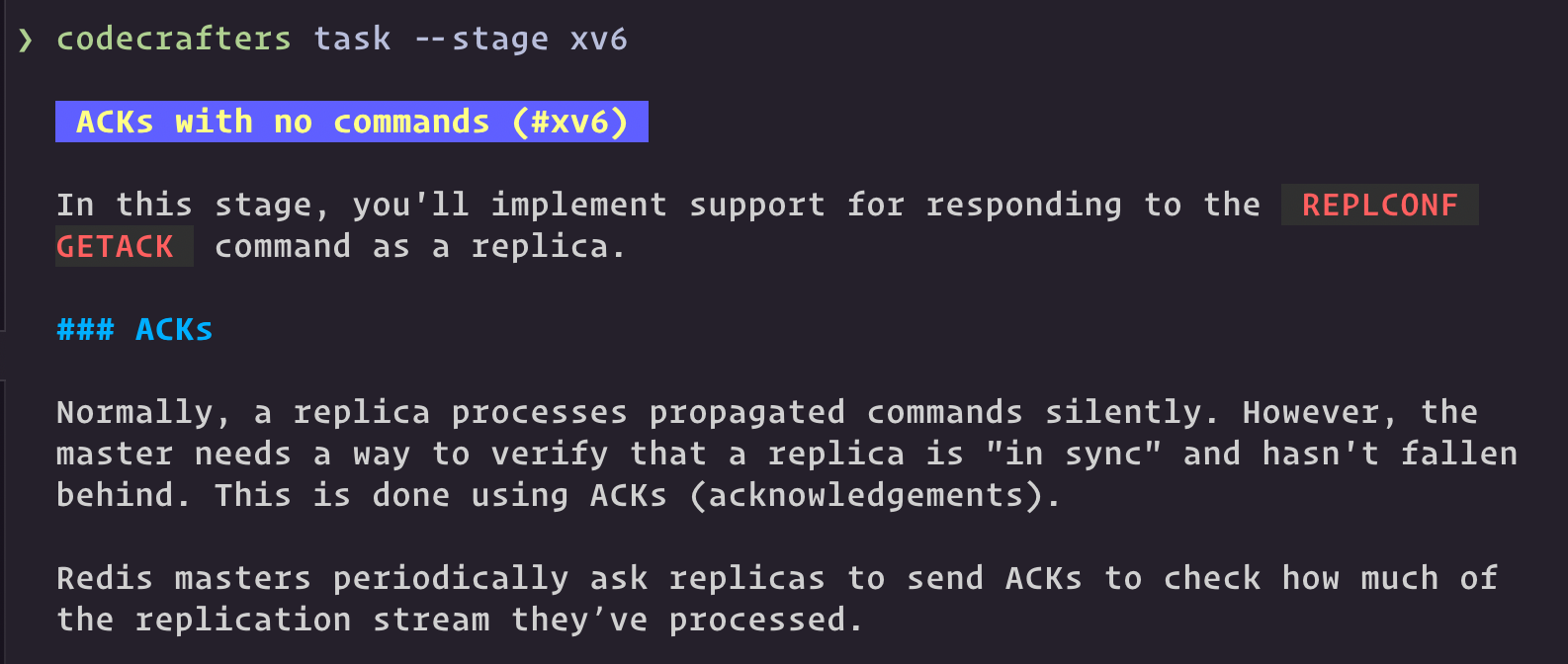
Give it a try and let us know how it goes! We’d love to hear your feedback and suggestions to improve the CLI experience.