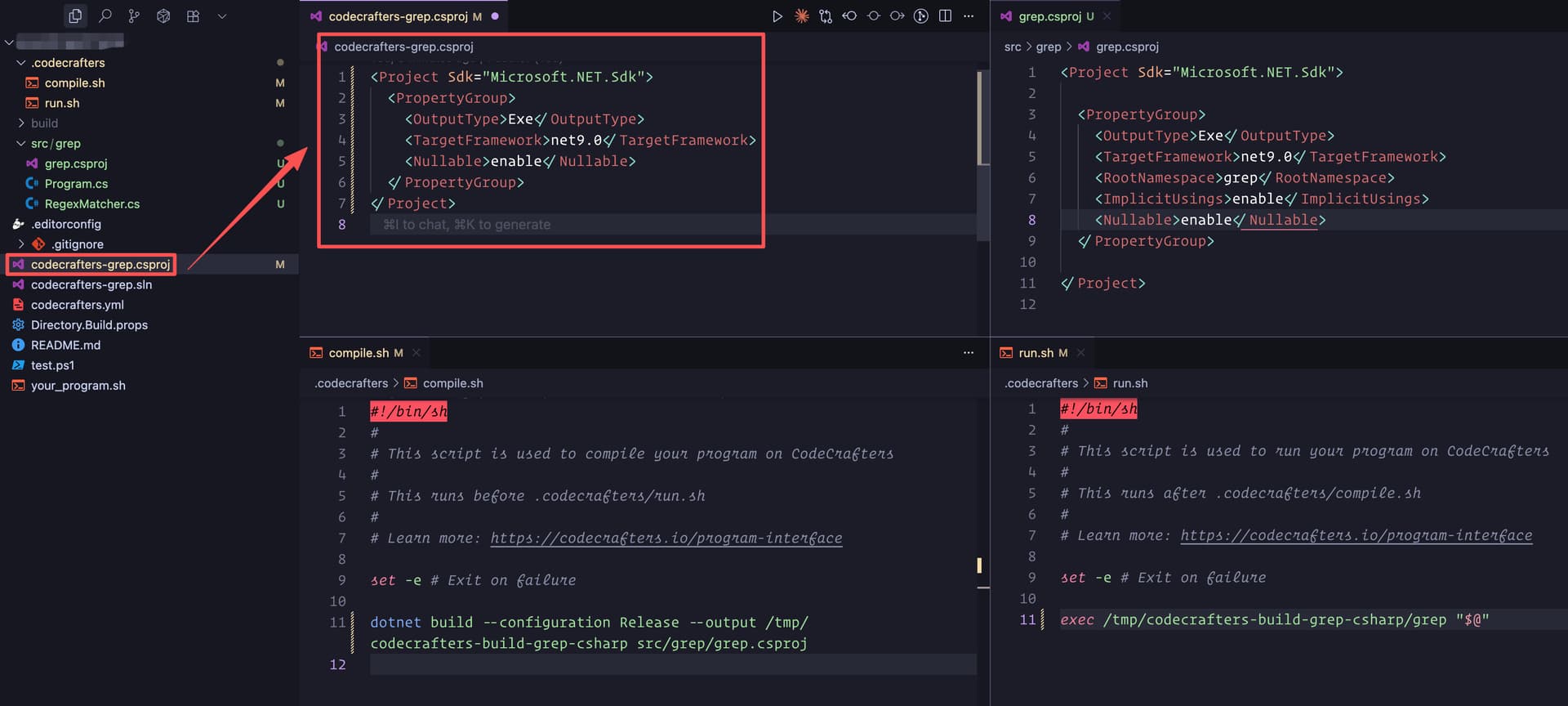
I changed the your_program.sh and .codecrafters/compile.sh files so that they only build src/grep/grep.csproj.
This approach worked with the interpreter challenge. However, for this grep challenge, I get the following error:
remote: [build] Step 10 complete.
remote: [build] Error: failed to calculate checksum of ref v0oay9i9vljk0pfrxkj9avnts::pvzc6j96ruchs2anutxvy4mz9: “/codecrafters-grep.csproj”: not found.
I’m not sure it works.
I have added a dummy, non-valid codecrafters-grep.csproj file at the root of the repository.
I get the following error:
remote: [build] > /app/codecrafters-grep.csproj(1,1): error MSB4025: The project file could not be loaded. Data at the root level is invalid. Line 1, position 1.
remote: [build] >
remote: [build]^[[0m > Build FAILED.
remote: [build] >
remote: [build] > /app/codecrafters-grep.csproj(1,1): error MSB4025: The project file could not be loaded. Data at the root level is invalid. Line 1, position 1.
remote: [build] >     0 Warning(s)
remote: [build] >     1 Error(s)
remote: [build] >
remote: [build] > Time Elapsed 00:00:00.16
remote: [build] Error: process "/bin/sh -c dotnet build --configuration Release ." did not complete successfully: exit code: 1.
The server tries to run /bin/sh -c dotnet build --configuration Release . command. This command is hardcoded and not coming from your_program.sh or .codecrafters/compile.sh.
I think it is a bug in the server build pipeline. .codecrafters/compile.sh must be executed instead of a hardcoded command.